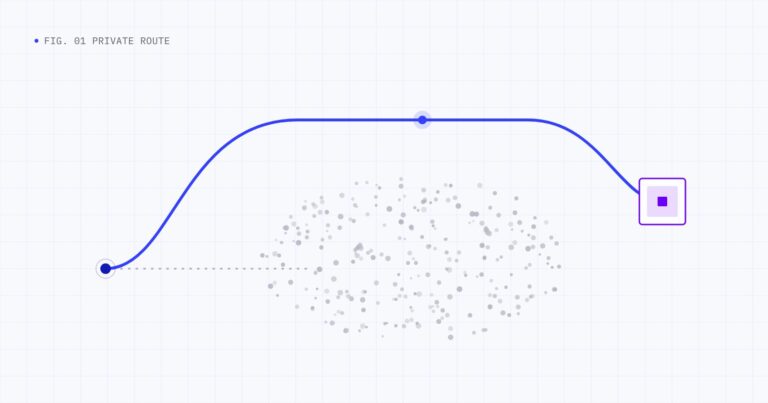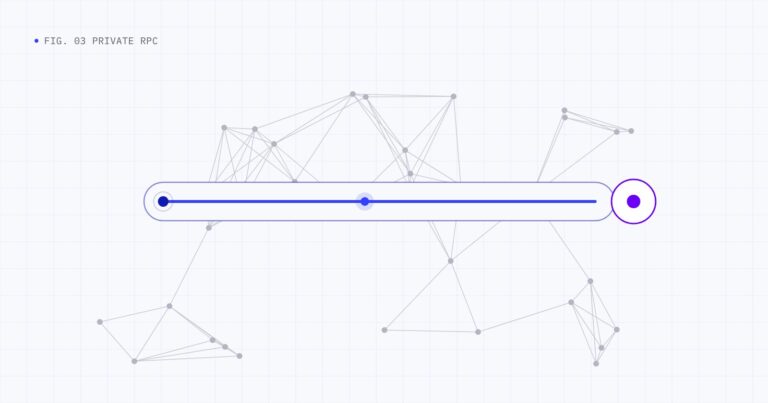
Sending a private transaction on Polygon is mostly the same as sending any other transaction. You build it, sign it and submit it over JSON-RPC. The difference is where you submit it: to a private RPC endpoint that routes it toward block production, instead of a public endpoint that broadcasts it to the public mempool. This tutorial walks through the full flow with ethers.js, viem and curl, plus the error handling you need in production.
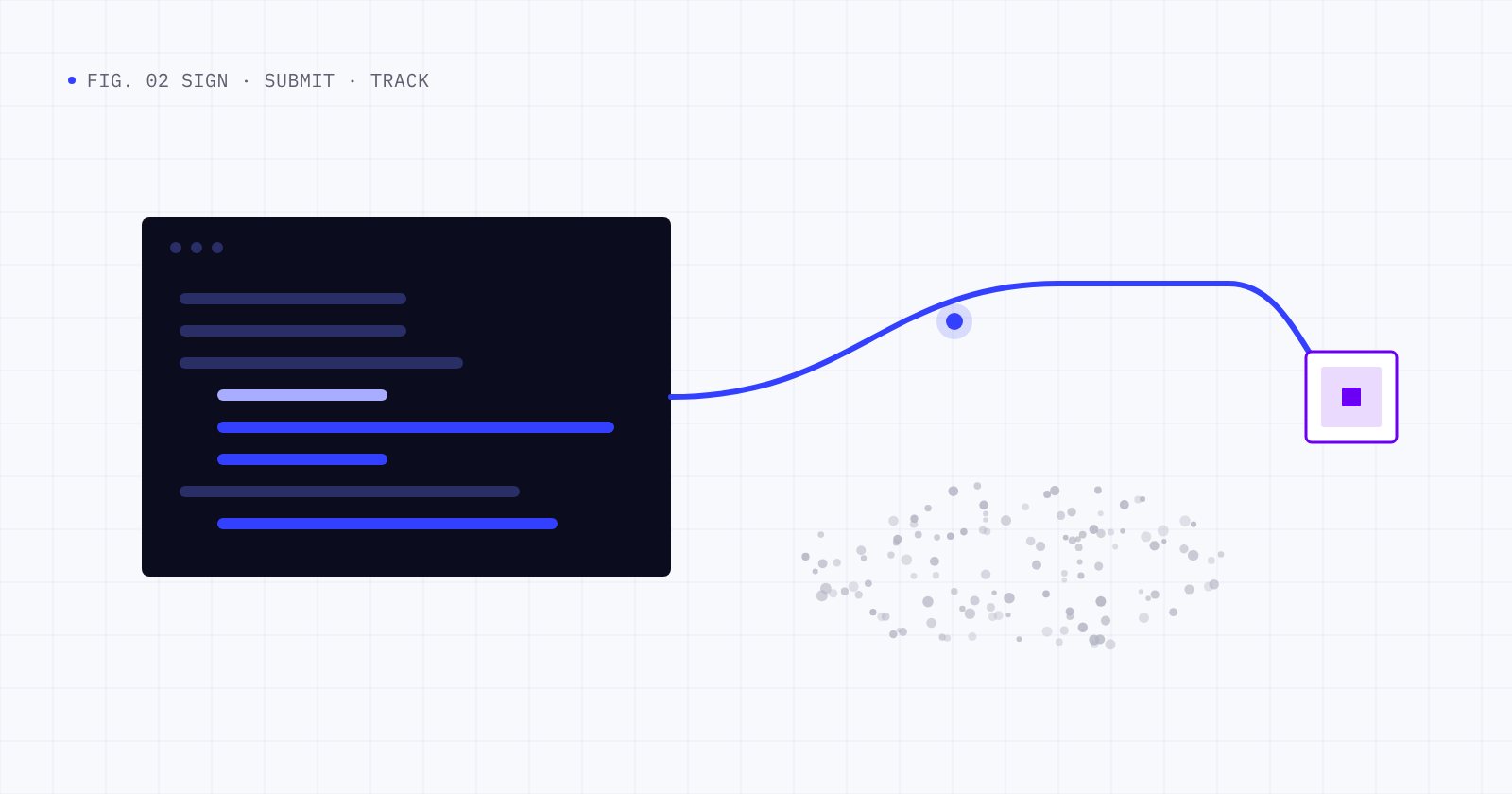
In short: sign the transaction locally with your normal tooling, send the signed bytes to a private RPC endpoint, and track the transaction hash with a regular RPC until it is final. Your contracts and keys do not change.
What you need
- A signer. A private key held by your backend or bot, or a user’s wallet. The private RPC only ever receives signed transactions.
- A private RPC endpoint and API key. With Hyperstrate, you get an authenticated JSON-RPC endpoint for private submission. Keep the key on your server.
- A regular RPC endpoint for reads. Use your usual Polygon provider for balances, nonces, gas estimates and receipts.
- POL for gas. Private submission does not change network fees.
- The chain ID. Polygon PoS mainnet uses chain ID 137. Signing with the right chain ID protects against replay on other networks.
The examples below use these environment variables:
PRIVATE_KEY=0x...            # never commit this
POLYGON_RPC_URL=https://...  # your usual Polygon RPC, used for reads
HYPERSTRATE_RPC_URL=https://...  # your private submission endpoint
HYPERSTRATE_API_KEY=...      # your API key
The examples send the API key in an Authorization header and use the standard eth_sendRawTransaction method. Use the exact endpoint, method name and authentication shown in your Hyperstrate dashboard and the developer documentation; some private RPC services use a dedicated method such as eth_sendPrivateTransaction instead.
Step 1: Separate reads from writes
A private endpoint exists to receive transactions. Everything else, such as reading balances, estimating gas or fetching receipts, can stay on the provider you already use. Splitting the two has a practical benefit: your application never accidentally broadcasts a transaction through the public read provider, and your submission path stays focused on one job.
Step 2: Build and sign the transaction (ethers.js)
With ethers v6, connect the wallet to your read provider so it can fill in the nonce, gas limit and EIP-1559 fees, then sign without sending:
import { ethers } from "ethers";

const readProvider = new ethers.JsonRpcProvider(process.env.POLYGON_RPC_URL);
const wallet = new ethers.Wallet(process.env.PRIVATE_KEY, readProvider);

// Fill in nonce, gas limit, fees and chain ID, then sign locally.
const request = await wallet.populateTransaction({
  to: "0xRecipientAddress",
  value: ethers.parseEther("1.0"), // 1 POL
});
const signedTx = await wallet.signTransaction(request);
signedTx is the raw, signed transaction as a hex string. Nothing has been broadcast yet.
Step 3: Submit the signed transaction privately
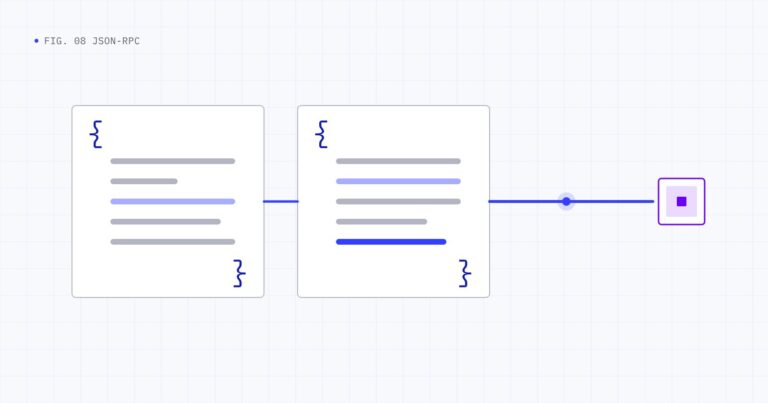
Send the signed bytes to the private endpoint with a JSON-RPC request:
async function sendPrivate(signedTx) {
  const response = await fetch(process.env.HYPERSTRATE_RPC_URL, {
    method: "POST",
    headers: {
      "Content-Type": "application/json",
      Authorization: `Bearer ${process.env.HYPERSTRATE_API_KEY}`,
    },
    body: JSON.stringify({
      jsonrpc: "2.0",
      id: 1,
      method: "eth_sendRawTransaction",
      params: [signedTx],
    }),
  });
  const body = await response.json();
  if (body.error) throw new Error(`${body.error.code}: ${body.error.message}`);
  return body.result; // the transaction hash
}

const txHash = await sendPrivate(signedTx);
The transaction hash is derived from the signed transaction itself, so you can also compute it locally with ethers.keccak256(signedTx) and compare.
Step 4: Track it until it is final
Use your read provider to wait for the receipt, then check the result:
let receipt = null;
try {
  // 1 confirmation, give up waiting after 120 seconds
  receipt = await readProvider.waitForTransaction(txHash, 1, 120_000);
} catch (err) {
  // Timed out: not included yet, or dropped. See "Handling errors and retries".
}

if (receipt && receipt.status === 1) {
  console.log("Included in block", receipt.blockNumber);
} else if (receipt) {
  console.log("Included but reverted");
}
A receipt means the transaction is in a block. For irreversible confirmation, compare its block number with the latest finalized block. Polygon PoS supports the finalized block tag, which the Polygon documentation describes as irreversible:
const finalized = await readProvider.getBlock("finalized");
const isFinal = finalized.number >= receipt.blockNumber;
Hyperstrate also reports each transaction’s state as it moves through the private route: received, private route established, propagated, included and settled.
The same flow with viem
import { createPublicClient, createWalletClient, http, parseEther } from "viem";
import { privateKeyToAccount } from "viem/accounts";
import { polygon } from "viem/chains";

const account = privateKeyToAccount(process.env.PRIVATE_KEY);
const readTransport = http(process.env.POLYGON_RPC_URL);

const publicClient = createPublicClient({ chain: polygon, transport: readTransport });
const signer = createWalletClient({ account, chain: polygon, transport: readTransport });
const privateSubmit = createWalletClient({
  account,
  chain: polygon,
  transport: http(process.env.HYPERSTRATE_RPC_URL, {
    fetchOptions: { headers: { Authorization: `Bearer ${process.env.HYPERSTRATE_API_KEY}` } },
  }),
});

const request = await signer.prepareTransactionRequest({
  to: "0xRecipientAddress",
  value: parseEther("1"),
});
const serializedTransaction = await signer.signTransaction(request);

const hash = await privateSubmit.sendRawTransaction({ serializedTransaction });
const receipt = await publicClient.waitForTransactionReceipt({ hash });
With curl
If your signing happens elsewhere, submitting is a single HTTP request:
curl "$HYPERSTRATE_RPC_URL"
  -X POST
  -H "Content-Type: application/json"
  -H "Authorization: Bearer $HYPERSTRATE_API_KEY"
  -d '{"jsonrpc":"2.0","id":1,"method":"eth_sendRawTransaction","params":["0x02f8..."]}'
Handling errors and retries
Most problems are the same ones you see with public submission. The difference is how carefully you retry.
| Error or symptom | What it usually means | What to do |
|---|---|---|
nonce too low | A transaction with this nonce was already included | Fetch the current nonce and rebuild |
replacement transaction underpriced | A pending transaction already uses this nonce | Raise both fee fields enough to replace it, or wait |
insufficient funds | Not enough POL for value plus maximum gas | Top up or lower the gas limit or value |
already known | The same signed transaction was already submitted | Track the existing hash instead of resending |
| No receipt after your timeout | Not included yet, or dropped | Check status, then resend the same signed transaction or replace it |
Do not broadcast the same transaction publicly as a fallback
It is tempting to send a transaction to a public RPC if the private one seems slow. Doing that puts the transaction in the public mempool and removes the protection you wanted. If you need a fallback, resend the same signed transaction to the private endpoint, or replace it with a new transaction using the same nonce and a higher fee.
Manage nonces deliberately
Bots that send many transactions should track nonces locally rather than asking the network before every send. Fetch the pending count once with eth_getTransactionCount(address, "pending"), increment it locally and resynchronize after errors. A gap in nonces leaves later transactions waiting.
Production checklist
- Keep the API key and private keys on the server, never in front-end code.
- Log the transaction hash, nonce and submission time for every send.
- Set a timeout for inclusion and decide in advance whether to resend or replace.
- Keep slippage and deadline parameters tight on swaps.
- Watch for reverted receipts, not just missing ones.
Frequently asked questions
Do I need to change my smart contracts to send private transactions on Polygon?
No. Private submission only changes where the signed transaction is sent. Contracts, ABIs and call data stay the same.
Can I keep using my current RPC provider?
Yes. A common pattern is to keep your current provider for reads and use the private endpoint only for sending transactions.
Does a private transaction show on Polygonscan?
Yes, after it is included in a block. While pending, it is not in the public mempool, so it generally will not appear in public pending-transaction views.
What if my transaction is not included?
Nothing is recorded onchain. You can resend the same signed transaction or replace it with a new one that uses the same nonce and a higher fee.
Conclusion
Sending a private transaction on Polygon comes down to one change: submit the signed transaction to a private endpoint instead of a public one. Build and sign locally, submit privately, track with your usual provider, and handle retries without falling back to public broadcast. For the concepts behind the endpoint, read Polygon private RPC explained, and for API design details see Polygon private transaction APIs for developers.
Ready to integrate? Get started with Hyperstrate or talk to our team about your volume and setup.